EXPLAINER · CHECKED 21 NOVEMBER 2026
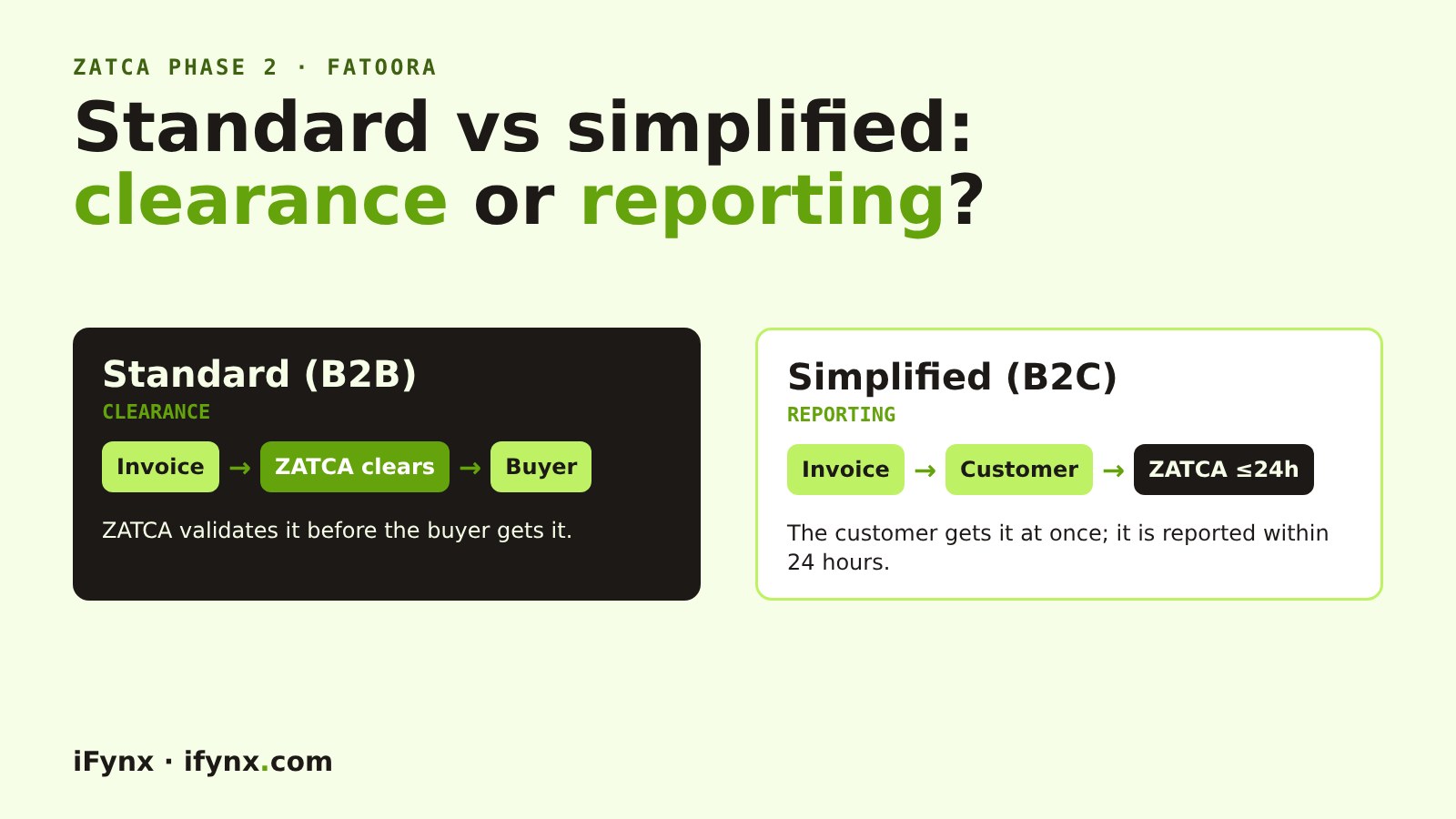
Standard tax invoices (B2B) are cleared by ZATCA before the buyer gets them. Simplified tax invoices (B2C) go to the customer first and are reported to ZATCA within 24 hours.
That one difference shapes your whole integration: clearance sits inside the sale, reporting runs in the background. Below: a side-by-side table, the design decisions it forces, and how it looks in our live Phase 2 demo.
Most businesses in Saudi Arabia issue both kinds of invoice, often from the same system. At iFynx we built a ZATCA Phase 2 demo that passes ZATCA’s sandbox checks, and this is the question clients ask first: which flow applies to my sales?
Standard vs simplified, side by side
| Standard tax invoice | Simplified tax invoice | |
|---|---|---|
| Who buys | Businesses (B2B) | Consumers (B2C) |
| Type code in the XML | 0100000 |
0200000 |
| Sent to ZATCA | Before the buyer gets it (clearance) | Within 24 hours of issue (reporting) |
| Valid when | ZATCA clears it | You issue it, then report it |
| Buyer details | Buyer name, address and VAT number (if registered) | Optional |
| QR code | On the cleared invoice ZATCA returns | Built and signed by your system (9 fields) |
| If ZATCA rejects it | It is not a valid invoice: fix and resubmit | Fix the problem and report again; the sale already happened |
How clearance works (B2B)
Your system builds the invoice XML, signs it and sends it to ZATCA’s clearance API. ZATCA validates it and returns the cleared invoice. Only then do you send it to the buyer, as XML or as a PDF/A-3 with the XML inside. If ZATCA answers with an error, the invoice is not valid: fix it and submit again.
How reporting works (B2C)
Your system builds, signs and hashes the invoice, prints the receipt with the 9-field QR (we decoded one here), and hands it to the customer. Within 24 hours it reports the invoice to ZATCA. Warnings come back too, so log them; our sandbox test shows what PASS, WARNING and ERROR look like.
Design decisions this forces
Plan these before you build
1100 for both) must match what the unit actually sends. See our onboarding guide.See a simplified invoice built live
Open the iFynx ZATCA demo, add a few items and press issue. It builds the UBL XML, signs it, shows the hash and the QR fields, and chains the next invoice to it. It all runs in your browser, with a ZATCA sandbox certificate.
How iFynx can help
iFynx connects POS, ERP, e-commerce and custom apps to ZATCA Fatoora, for both clearance and reporting.
- Clearance in the B2B checkout path, with retries and clear statuses.
- Reporting queues for B2C with monitoring, so nothing misses the 24 hours.
- Credit and debit notes, onboarding and sandbox testing with your real invoices.
Try the live demo · Talk to iFynx · Estimate your project cost
Frequently asked questions
What is the difference between a tax invoice and a simplified tax invoice?
A standard tax invoice is for sales to businesses and carries the buyer’s details. A simplified tax invoice is for sales to consumers and needs no buyer details. In Phase 2, standard invoices are cleared by ZATCA before the buyer receives them; simplified invoices are reported within 24 hours.
What is clearance in ZATCA?
Clearance means your system sends the standard invoice to ZATCA, ZATCA validates it, and only the cleared invoice is shared with the buyer. An invoice ZATCA rejects is not valid.
What is reporting in ZATCA?
Reporting means your system issues the simplified invoice to the customer first, then sends it to ZATCA within 24 hours (Detailed Technical Guideline).
Can one POS issue both types?
Yes, if it was onboarded for both. Both types then share one invoice counter and hash chain.
Which type does the iFynx demo issue?
Simplified invoices, the kind a till prints. You can try it live: it signs the invoice, builds the 9-field QR and chains each invoice to the previous one.
When do I have to do this?
When your wave is due. Wave 25 covers VAT-subject revenue above SAR 187,500 in any year from 2022 to 2025, with integration by 1 February 2027 (ZATCA).
Related reading
- ZATCA Fatoora onboarding, step by step
- ZATCA QR code explained: the 9 fields
- We tested ZATCA Phase 2 invoices on the sandbox
- ZATCA Wave 25: what product and engineering teams must ship before 1 February 2027
Checked at 21 November 2026. Sources: ZATCA E-invoicing Detailed Technical Guideline; ZATCA Wave 25 announcement; our sandbox tests.
Every Sunday: the most serious confirmed CVEs and breaches, who is exposed in Saudi Arabia, the UAE and Egypt, and what to patch first. Free, in English and Arabic, one-click unsubscribe.
✓ You’re subscribed. A welcome email is on its way; the first issue arrives on Sunday.