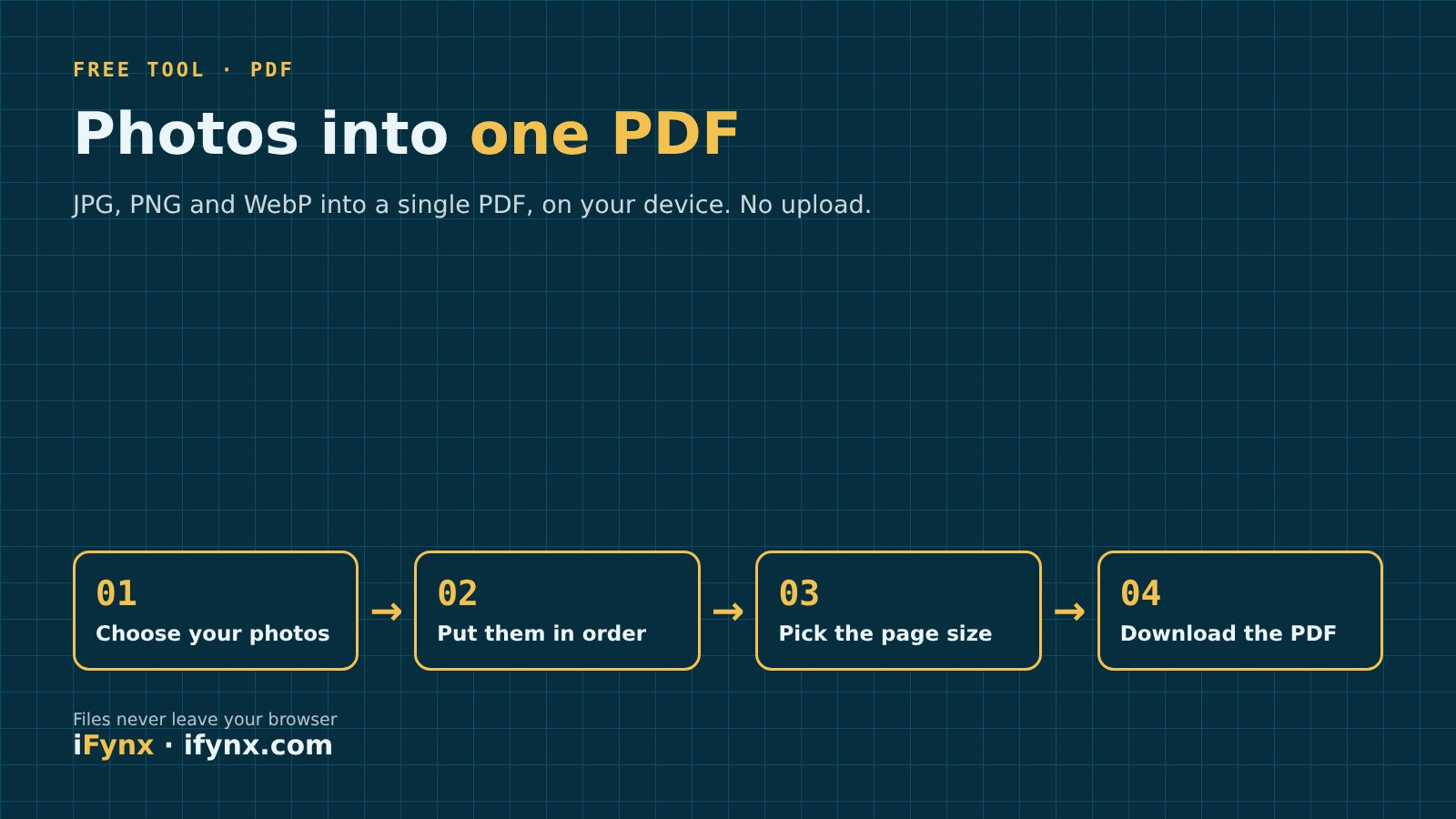
Turn images into a single PDF: choose JPG, PNG or WebP photos, put them in order, pick the page size and download. Handy for ID photos, documents and receipts that have to be submitted as a PDF. Files are processed inside your browser and are never uploaded to our server or anyone else. A free tool from iFynx.
When do I need images as a PDF?
- Uploading phone photos of documents to a platform that asks for one PDF file.
- Sending several receipts or contract pages as one ordered file instead of loose photos.
- Collecting product or portfolio photos in one file for a client.
Why on-device processing matters
ID photos, contracts and receipts are sensitive. In this tool the PDF is built inside the browser itself, so your images never pass through our server and we cannot see them. You can verify this by going offline after the page has opened and pressing the button: the tool keeps working once the page has fully loaded.
Have PDF files to combine? Use merge PDF. Images too heavy? Shrink them first with the image compressor.
Frequently asked questions
Are my images uploaded to the internet?
No. The conversion happens in your browser. We receive no file and keep none.
How do I order the pages?
Use the arrows next to each image to move it up or down before you create the file.
Which page size should I choose?
A4 for documents that will be printed or submitted to an official body. “Same as the image” keeps each image as it is, without margins.
Does it work on a phone?
Yes, on modern mobile browsers. Many or very large images can take longer.