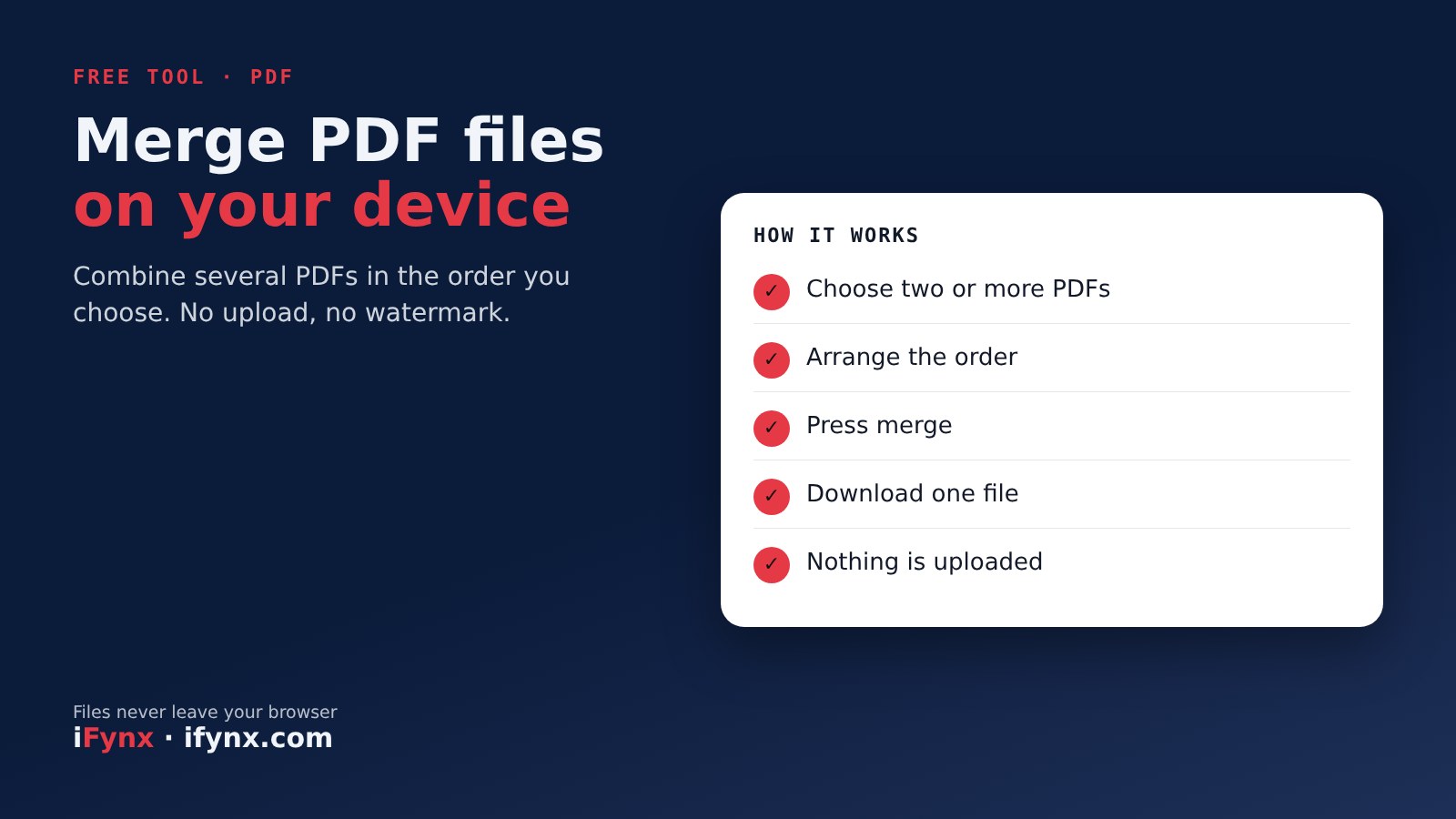
Merge PDF files into one, in the order you choose, right inside your browser: no upload, no watermark and no sign-up. Files are processed inside your browser and are never uploaded to our server or anyone else. A free tool from iFynx.
How to merge PDF files
- Choose two or more files, or drag them into the box.
- Arrange them with the arrows next to each file.
- Press “Merge the files”, then download the result.
Why we do not upload your files
PDFs often hold contracts, bank statements and IDs. Most merge sites upload your files to their servers first. Here the merge happens in the browser, so no file reaches us, and there is nothing for us to delete later because we never received it.
Limits to know
Password-protected files cannot be merged until the protection is removed in their original program. Very large files depend on your device memory and can be slow on a phone.
Have images instead of PDFs? Use image to PDF.
Frequently asked questions
Is merging safe?
The merge happens in your browser. Your files are not uploaded to us or to anyone else.
Do you add a watermark?
No. The output is your own pages, unchanged.
How many files can I merge?
We set no limit. The practical limit is your device memory.
Why did one file fail to merge?
Usually because it is password-protected or damaged. Open it to check, then try again.