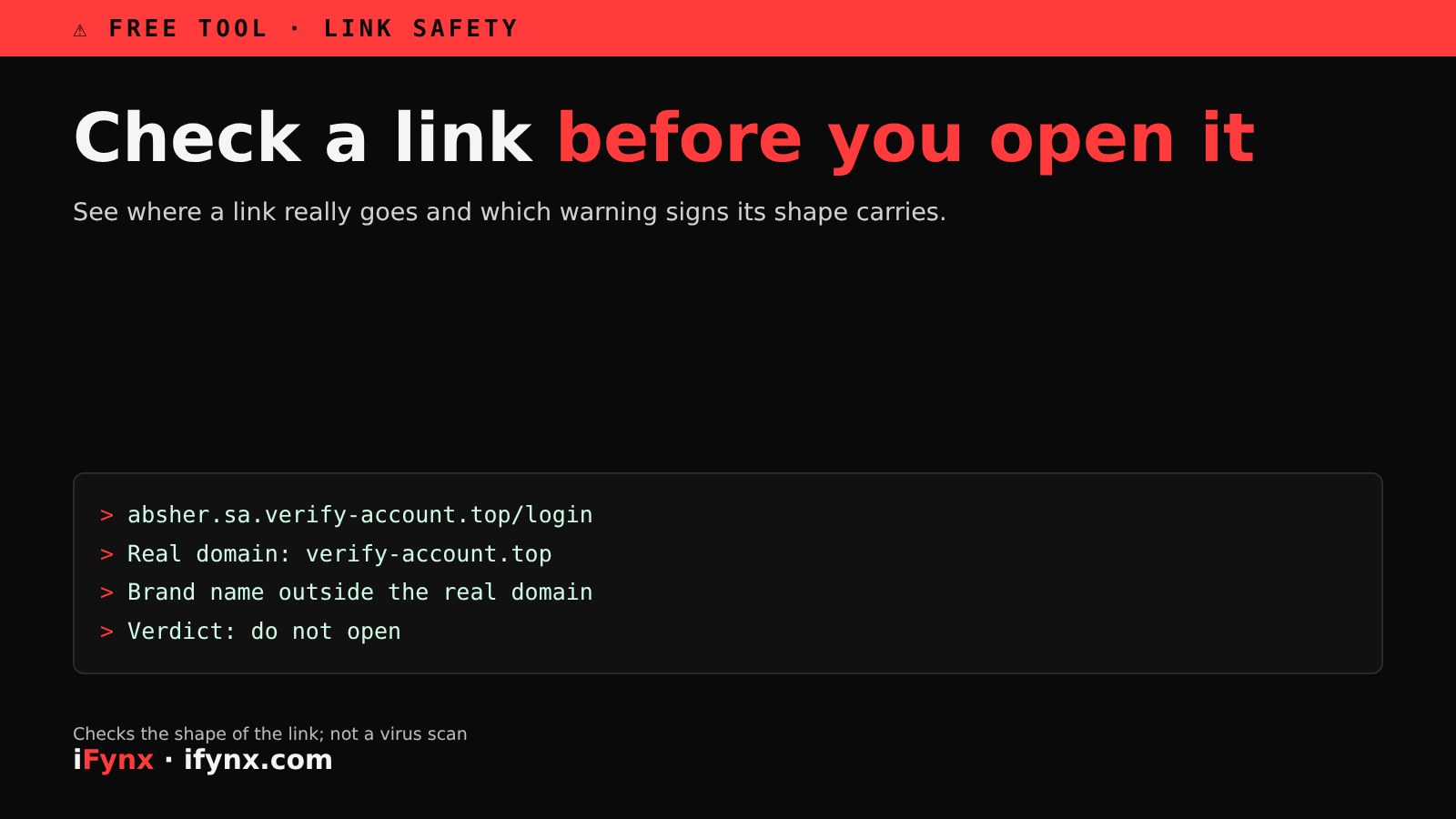
Received a link by SMS or WhatsApp and not sure about it? Paste it here before you open it. The tool shows the real domain the link goes to and the warning signs in its shape, without opening it and without sending it anywhere. A free tool from iFynx.
How to read any link yourself
The key rule: the real destination is the last two parts before the first slash, such as example.com. Everything before that is a subdomain, where anyone can write anything. So absher.sa.verify-account.top is not the Absher site; it is the site verify-account.top.
The signs this tool looks for
- A known name at the start of the link that is not the real domain.
- A domain that resembles a known name with a swapped letter or an added word.
- An @ sign inside the link, or an IP number instead of a site name.
- Non-Latin letters or
xn--encoding that imitate familiar letters. - A shortened link that hides the destination.
- No https, or a link that downloads a file such as an apk.
- An ending unusual for official bodies, and bait words such as verify and update.
What if you already opened it?
If you typed a password, change it at once from the official app. If you typed card details, call your bank to block the card. Then run the “is my phone hacked” check.
Frequently asked questions
Does the tool open the link or send it to your servers?
No. The check only reads the text of the link inside your browser. It does not visit the page or send the link anywhere.
If no warning signs appear, is the link safe?
Not necessarily. The tool checks the shape of the link only, not the page content or blocklists. Make sure the real domain is the site of the organisation you know.
How do I find the official link of a bank or government body?
Do not rely on the link you received. Open the official app or type the address yourself in the browser.
What should I do with a scam message?
Do not reply or tap the link. Report it through the official channel in your country, then delete it.