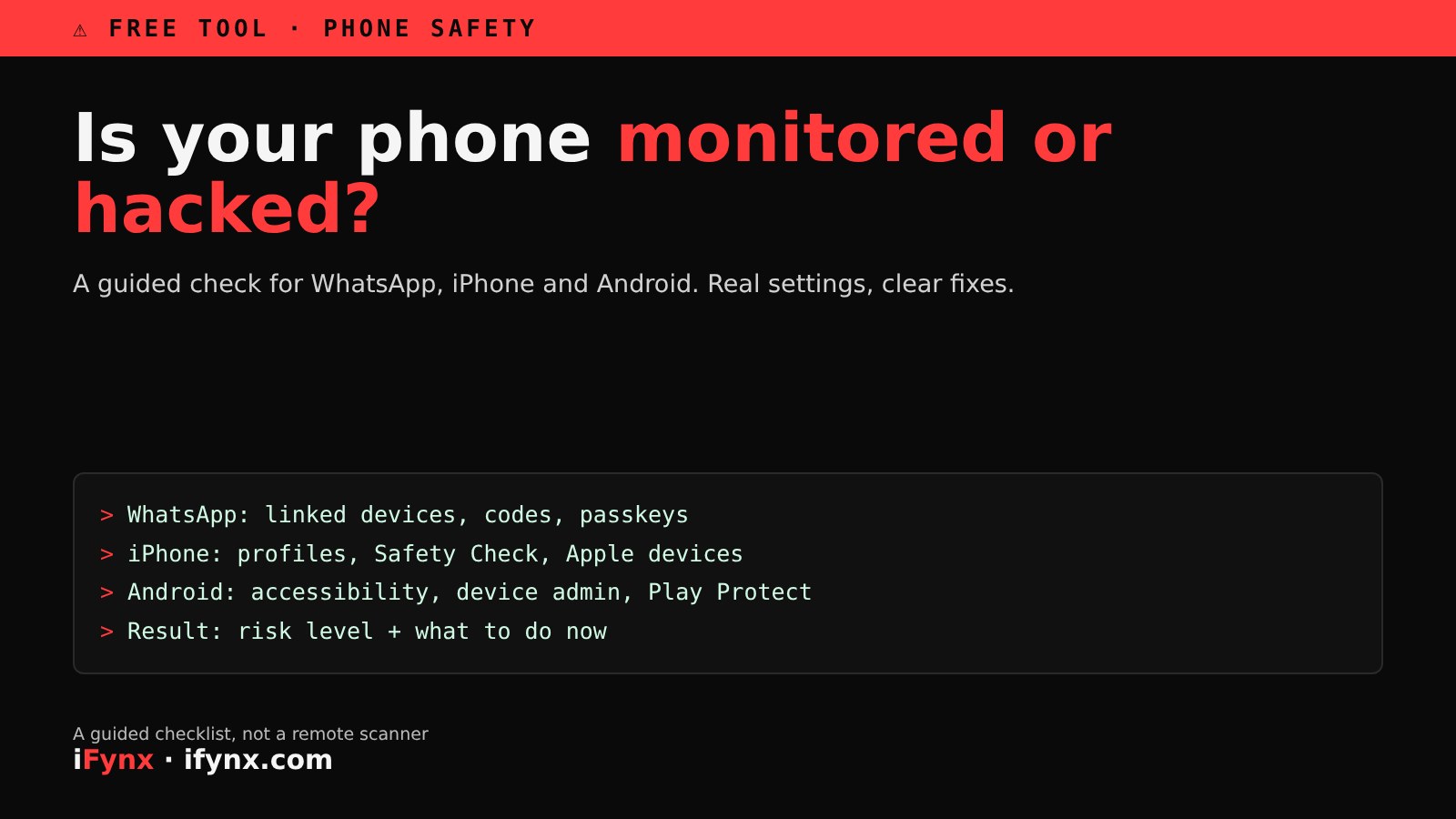
How do you know if your phone is monitored or hacked? Instead of reading a long article, check it yourself step by step: pick WhatsApp, iPhone or Android, open the settings we point to, and answer what you see. You get a risk level and the fixes. A free tool from iFynx that runs in your browser and stores nothing.
Why a guided check and not a one-click scan?
No website can inspect the apps or settings on your phone remotely, and any site that claims to is misleading you. The real signs are on your device: WhatsApp linked devices, iPhone profiles, Android accessibility access. This tool shows you where each sign lives and explains what you find.
The strongest signs that someone has access
- WhatsApp: a device you do not know under Linked devices, a verification code you did not ask for, or an email on the account that is not yours.
- iPhone: a profile or device management entry you did not install, an unknown device in your Apple Account, or an app such as Cydia.
- Android: an unknown app with Accessibility, Device admin or Notification access.
Common myths
- Codes like *#21# and *#62#: they only show call-forwarding settings and do not reveal spyware.
- A warm phone or a draining battery: both have many ordinary causes and prove nothing alone.
- Unknown “anti-spy” apps: many are adware or worse. Rely on system settings, Play Protect and updates.
Got a suspicious message or link?
Most compromises start with a message. Paste it into the scam message checker before you tap any link, and follow the Gulf and Egypt data breach tracker.
Frequently asked questions
How do I know if my phone is being monitored?
Check three places: the devices linked to your accounts (WhatsApp, Apple, Google), the apps holding sensitive access such as Accessibility and Device admin, and installed profiles. The tool above walks you through them one by one.
How do I see if my WhatsApp is linked to another device?
Open WhatsApp, then Settings, then Linked devices. Tap any device or browser you do not recognise and choose Log out, then turn on two-step verification.
Does *#21# show that a phone is tapped?
No. That code only shows call-forwarding status. It does not reveal spyware or the devices linked to your accounts.
Does a factory reset remove spyware?
A factory reset removes most monitoring apps from the device, but it does not protect your accounts. Change your Apple or Google and WhatsApp credentials and turn on two-step verification, or access can return through the account.
Does this tool actually scan my phone?
No. It is a guided checklist: you open the settings and answer, and the tool works out a risk level and the fixes. None of your answers leave your browser.