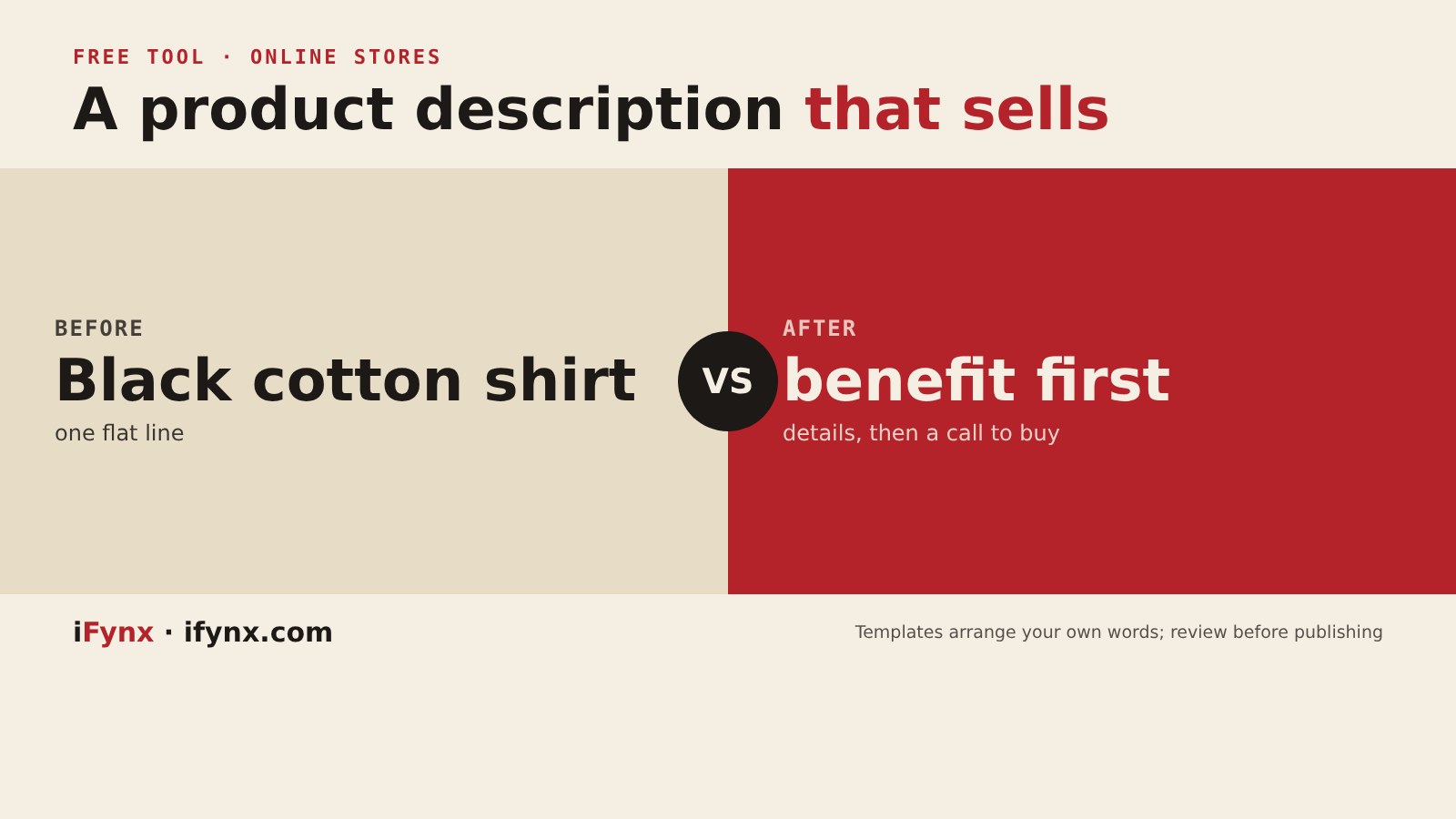
This product description generator turns a few details into a structured description ready to paste into your store: enter the product name, its features and who it is for, pick a tone and get several versions. It suits Salla and Zid stores and Instagram pages. A free tool from iFynx.
How to write a description that sells
- Start with the benefit: what does the buyer gain? “Keeps you fresh all day” beats “cotton fabric”.
- Then the details: material, sizes, colours, what is in the box.
- Remove hesitation: delivery, exchange, warranty.
- End with a clear call: “Order it now”.
Review before you publish
The tool arranges your words into templates and knows nothing about your product, so make sure every statement is true. Do not write health claims or promises you cannot prove; a misleading description brings the product back and hurts your store’s reputation.
After the description comes the price: try the product pricing calculator, then the store policy generator.
Frequently asked questions
Is the description written by AI?
No. It uses templates that arrange the details you type, which is why it is instant, free and sends nothing.
Does it suit a Salla or Zid store?
Yes. Copy the text, paste it into the product description field and edit as you like.
How long should a description be?
Long enough to answer the buyer’s questions: what it is, who it is for, what it is made of and how it arrives. A short paragraph with bullet points beats a long block of text.
Does the description help with Google?
A clear description that names the product and its type in the words people search for helps. Avoid repeating keywords without meaning.