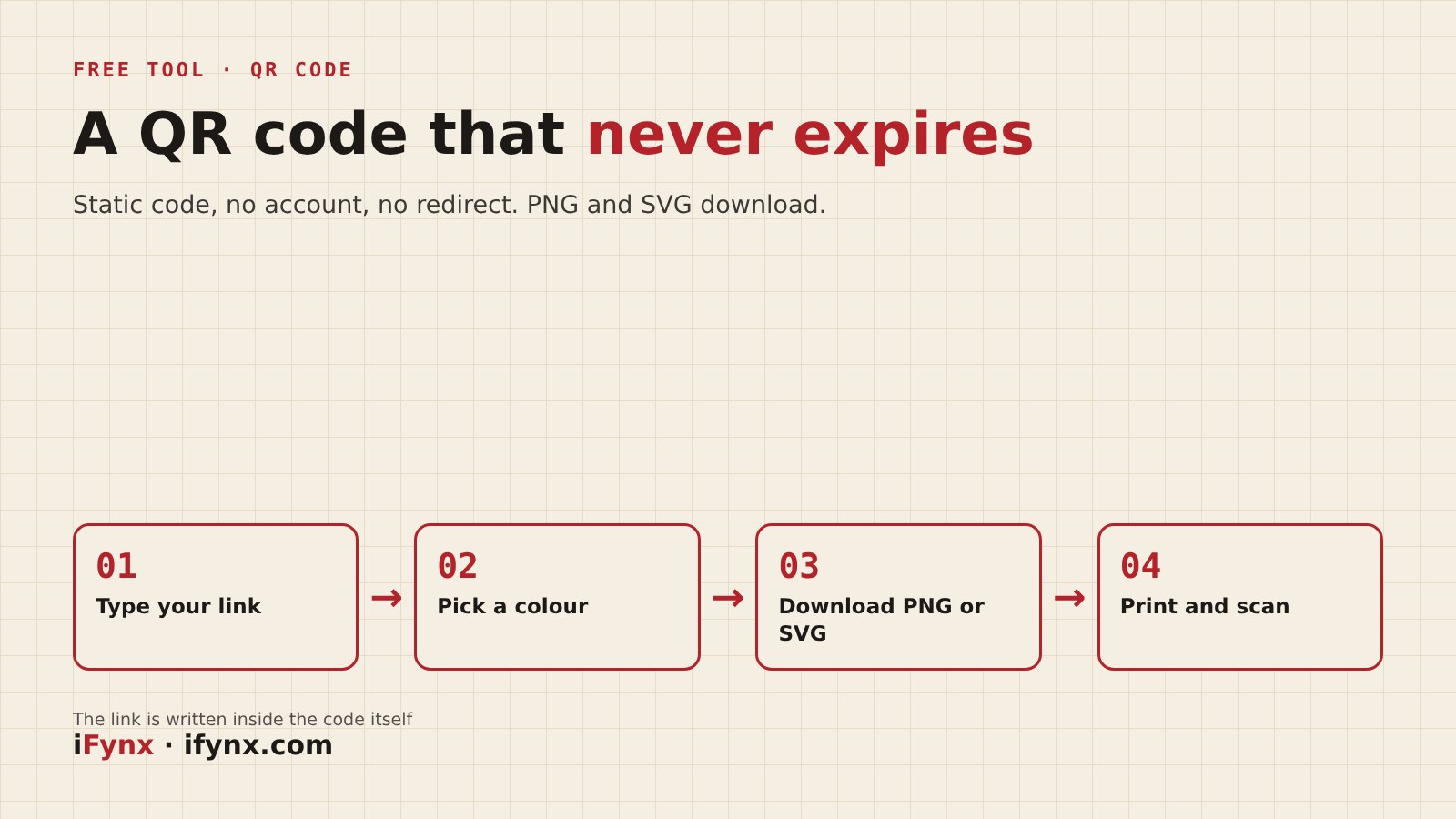
A complete free QR studio: link, Wi-Fi, contact card, WhatsApp, restaurant menu, location, event and social profiles. Add your logo and colours, choose the dot, corner and frame style, then download a high-resolution PNG or an SVG. The code is static: it never expires and needs no subscription, because it does not pass through any server. A free tool from iFynx.
QR code types you can make here
- Link: your store, website or a product page.
- Wi-Fi: guests scan and join the network without typing the password.
- Contact card (vCard): saves your name, number and email to contacts in one tap.
- WhatsApp, call, SMS, email: opens the chat or call with a ready message.
- Map location: from coordinates or a Google Maps link.
- Event: adds the event to the calendar.
- Social profiles: Instagram, TikTok, Snapchat, X, YouTube, Telegram, LinkedIn, Facebook.
- Restaurant menu or PDF: paste the public link to the file and the code opens it directly.
- Plain text.
Design the code in your brand
Upload your logo to sit in the centre, pick a colour or a gradient, a different colour for the corners, four dot shapes and four corner shapes, and a frame with a caption such as “Scan to order”. When a logo is added, error correction is raised automatically so the code stays readable, and the tool warns you when colour contrast is weak.
Why do some QR codes expire?
Some sites create a “dynamic” code: the code holds a short link that belongs to the site, and the site then redirects to your link. When the trial ends or the account closes, the redirect stops and so does the printed code. The “static” code this tool makes holds your own link directly, so it works for as long as your link works.
Before you print
- Test the code with two different phone cameras before printing any quantity.
- Leave a white margin around the code and keep it off busy backgrounds.
- Use a dark colour on white so the contrast stays high.
- For large prints download the SVG, which stays sharp at any size.
- A shorter link gives a simpler code that scans more easily.
Frequently asked questions
Can I add my logo to a QR code for free?
Yes. Upload the logo as PNG, JPG or SVG and set its size. The image stays in your browser and is not uploaded to our servers.
How do I make a QR code for my Wi-Fi?
Choose “Wi-Fi” and enter the network name, password and security type. The password is written inside the code only and is not sent anywhere.
Can I upload a PDF or an image to turn into a code?
A static code holds a link, not a file. Upload the file to your own site or Google Drive, make the link public and paste it under “Menu or file”.
Will a QR code made here expire?
No. The code is static and holds your link directly, so it works for as long as the link itself works.
Can I change the link after printing?
No, the content of a static code cannot change. If you expect the link to change, point the code at a page on your own site that you can redirect.
Do you track scans?
No. The code never passes through our servers, so there is no tracking and no statistics.
Can I use it commercially?
Yes. Use it on print, products and menus with no restrictions and no credit needed.