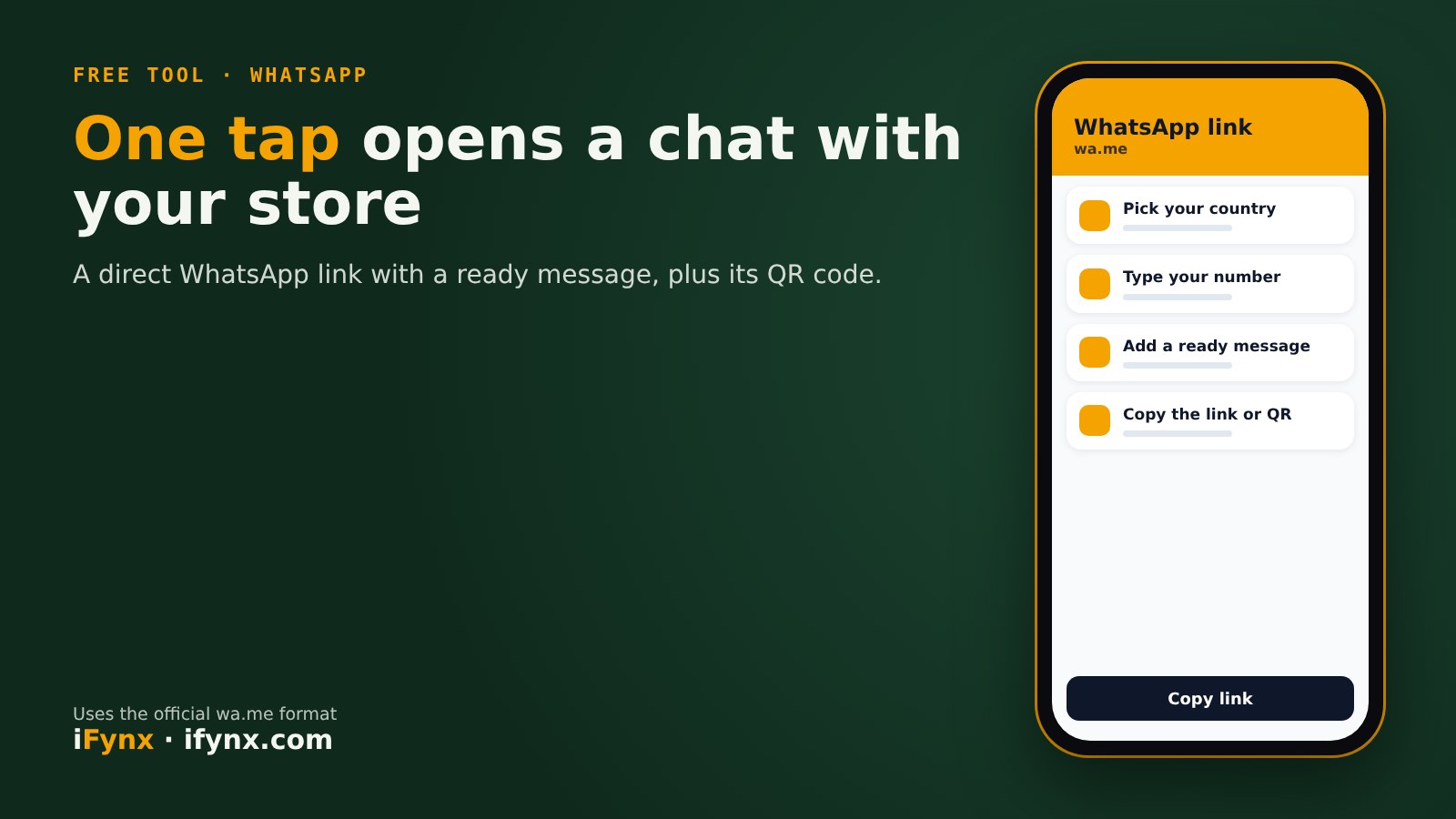
Create a direct WhatsApp link that opens a chat with you in one tap, without the customer saving your number. Add a ready message for them to start with and get a QR code to print. A free tool from iFynx.
Where to use a WhatsApp link
- In your Instagram, TikTok and Snapchat bio.
- On the “contact us” button of your online store or website.
- In paid ads, so the customer lands straight in the chat.
- Printed as a QR code on the invoice, the box or the shop front.
How the link works
WhatsApp’s official format is wa.me followed by your full international number, with no leading zeros and no plus sign. A ready text can follow ?text=; it appears in the customer’s message box so they only press send. The tool arranges all of that for you.
Ideas for a ready message
- Hello, I would like to ask about a product I saw on Instagram.
- Hello, I would like to follow up on my order number:
- I would like to book an appointment.
If you sell with instalments, try the Tabby and Tamara merchant fee calculator.
Frequently asked questions
Does the link work with WhatsApp Business?
Yes. It works with WhatsApp and WhatsApp Business, on phones and computers.
Does the customer need to save my number?
No. Tapping the link opens the chat with you directly.
Do you store my number?
No. The link is built in your browser and the number is not sent to our servers.
Why does my link not work?
Check that the right country is selected, that the country code is not typed twice, and that the number is active on WhatsApp.