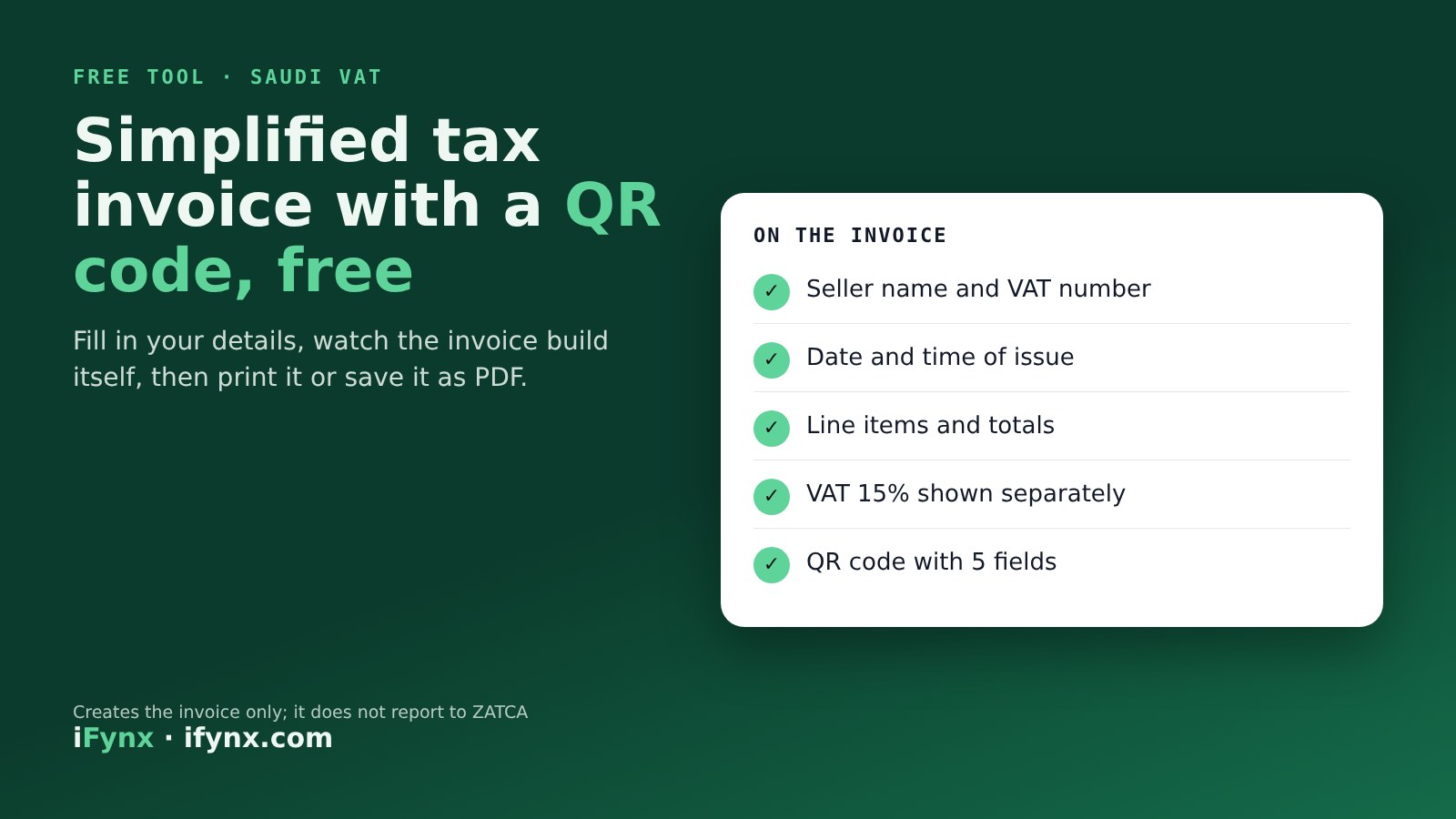
Create a bilingual Arabic and English simplified tax invoice with a QR code in a minute, then print it or save it as PDF. No sign-up, no watermark, and your data never leaves your browser. A free tool from iFynx.
What is a simplified tax invoice?
It is the invoice a VAT-registered business in Saudi Arabia usually issues to an individual consumer (B2C), as in shops, restaurants and online stores. It differs from the full tax invoice issued to other businesses, which carries the buyer’s tax details.
What is inside the QR code?
The code this tool draws follows the ZATCA format for the generation phase: five fields in TLV encoding, then Base64. They are the seller name, the VAT number, the invoice timestamp, the total with VAT and the VAT amount. Scanning it with an invoice reader app shows those values.
When this tool is not enough
- If ZATCA has notified your business that it is in the integration phase (phase 2), you must issue invoices from a system connected to the Fatoora platform, and the QR code in that phase carries extra fields (a cryptographic stamp and signature) that this tool does not produce.
- If you need a full tax invoice for another business (B2B).
- If you need sequential numbering and automatic archiving, which is the job of an invoicing system.
For those cases, see our live ZATCA integration demo.
Frequently asked questions
Is the tool really free?
Yes. There is no sign-up, no limit on the number of invoices and no watermark.
Does the tool send the invoice to ZATCA?
No. It builds the invoice and the QR code inside your browser only and sends nothing to anyone.
Do you store my invoice data?
No. Everything is calculated in your browser and no field is uploaded to our servers.
How do I save the invoice as PDF?
Press “Print or save as PDF”, then choose “Save as PDF” in your browser’s print window.
What does a Saudi VAT number look like?
Fifteen digits that start with 3 and end with 3. The tool warns you when the shape is wrong.