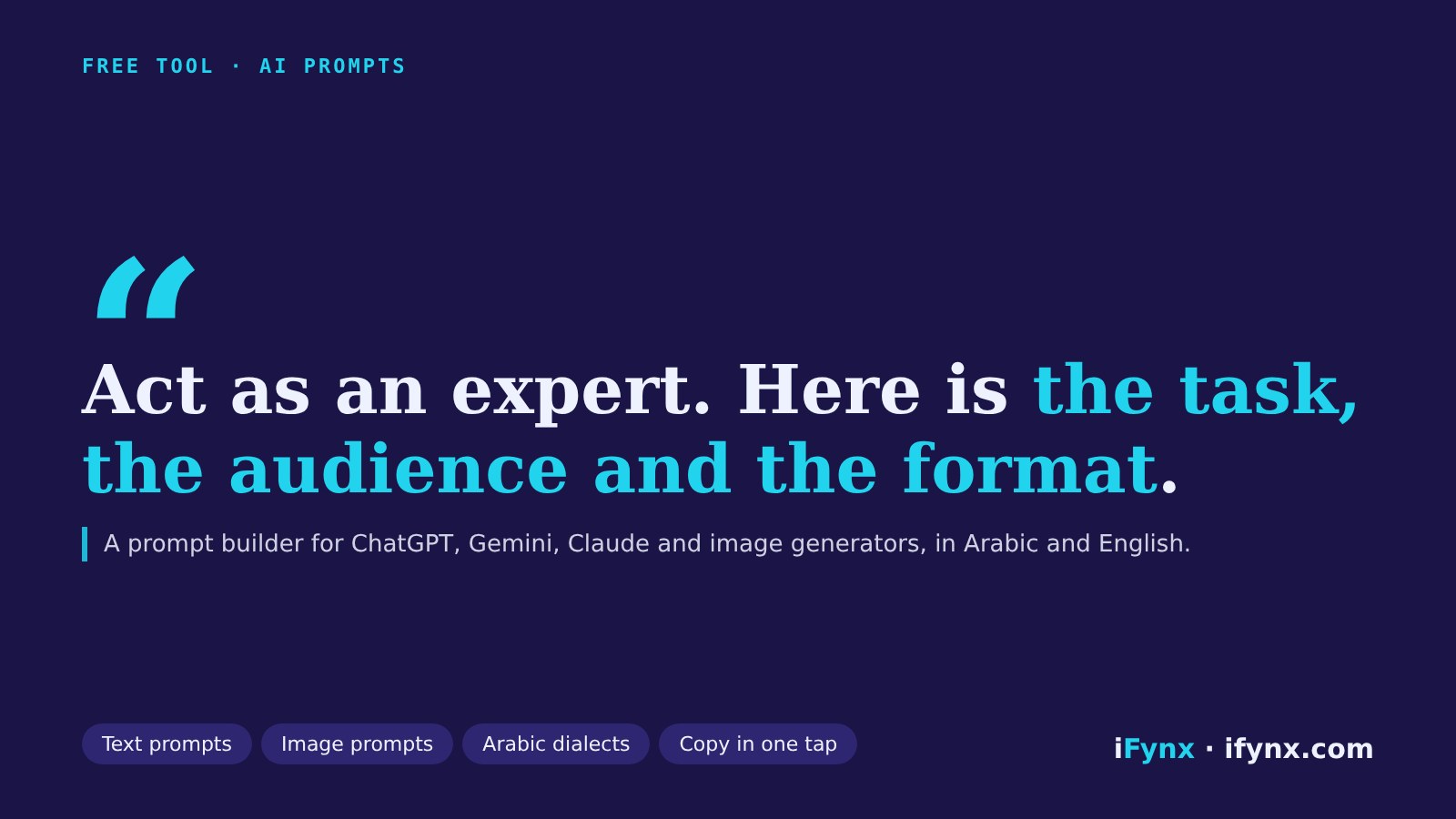
Build a professional prompt without memorising any formula: pick a role, a tone and an output format, type your request in your own words, and copy the finished prompt into ChatGPT, Gemini or Claude. There is a separate mode for image prompts. A free tool from iFynx.
What makes a prompt good?
A good prompt answers five questions: who answers (the role), what you want (the task), who it is for (the audience), how the result should look (format, length and tone) and what the limits are (what to avoid). The more of these you state, the less the model has to guess.
A quick example
- Weak: write an ad for a perfume.
- Stronger: act as a marketing expert. Write a three-sentence ad for a luxury men’s perfume, aimed at shoppers in the UAE aged 20 to 35, in a persuasive tone, without mentioning the price.
Image prompts
In the image mode you describe the scene and pick a style, lighting, camera angle and aspect ratio, and the tool arranges them into one English prompt, since most image generators follow English most closely. Your description stays as you typed it.
Frequently asked questions
Does the tool use AI to write the prompt?
No. It is a set of structured templates that run in your browser, which is why it is instant, free and sends nothing you type anywhere.
Does the prompt work with ChatGPT, Gemini and Claude?
Yes. The prompt is plain structured text that every text assistant understands.
Can it write prompts that answer in Arabic dialects?
Yes. You can ask for the answer in Modern Standard Arabic, Gulf Arabic or Egyptian Arabic.
Should I trust what the AI writes?
Always review it, especially numbers, names and legal or medical points. Models can be wrong with confidence.