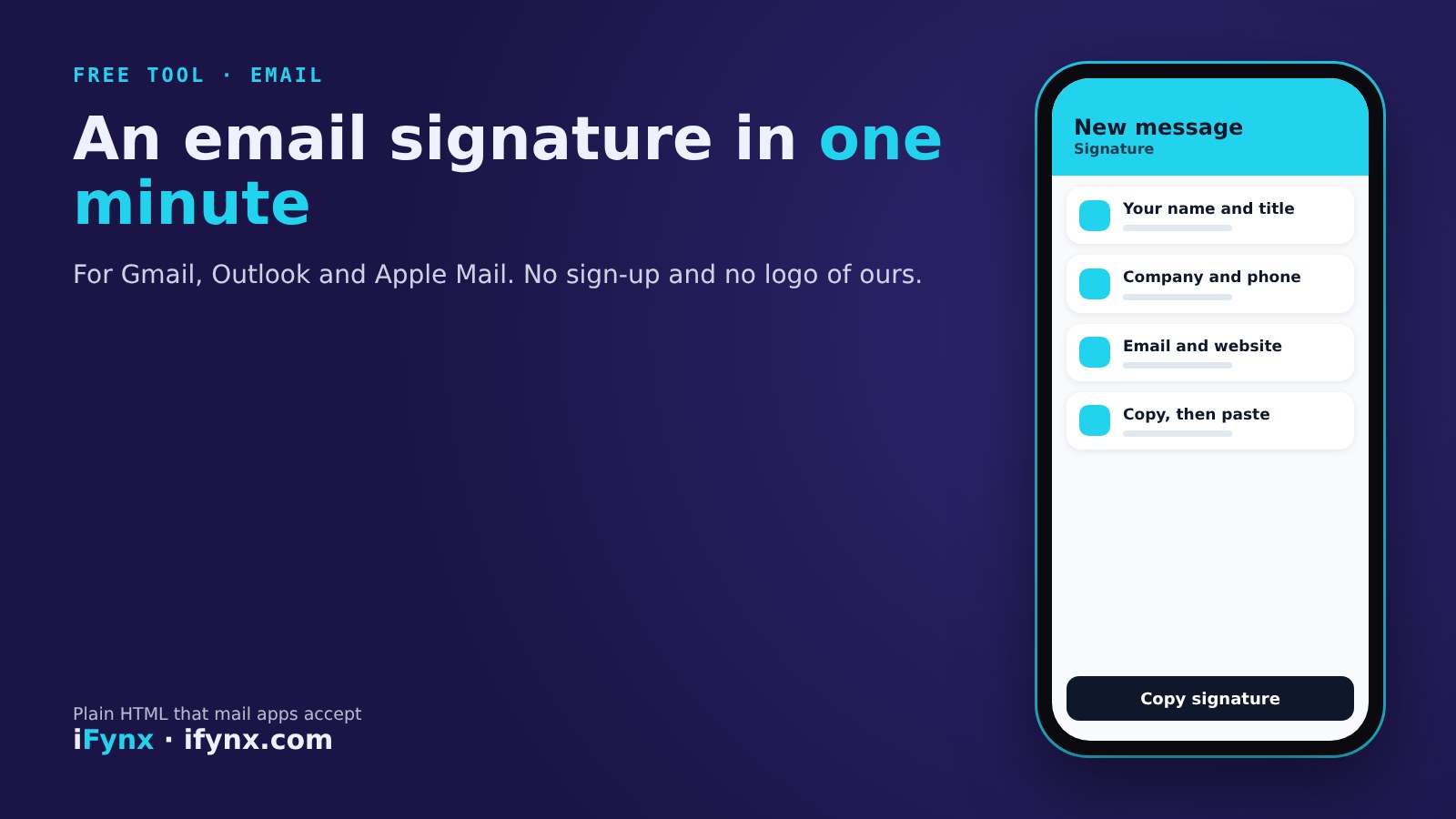
This email signature generator builds a clean signature in a minute: enter your name, title and contact details, choose a layout and a colour, then copy and paste it into Gmail, Outlook or Apple Mail. No sign-up and none of our branding in your signature. A free tool from iFynx.
How to add the signature
- Gmail: Settings, then “See all settings”, then the “Signature” section. Paste and save.
- Outlook: Settings, then Mail, then “Signatures”. Paste and save.
- iPhone: Settings, then Mail, then “Signature”.
What makes a signature look professional
Simplicity. Your name, title, company and one or two ways to reach you. Skip long quotes and stacks of images, since many mail apps block images by default. If you add a logo, use an image hosted on your site over https, because attached images do not display reliably.
Want email on your own company domain and a professional website? Talk to us.
Frequently asked questions
Is the signature really free?
Yes, with no sign-up, and we do not add our logo or link to your signature.
Does the signature work in Gmail and Outlook?
Yes. It is built with simple HTML tables, the format mail apps handle well.
How do I add my company logo?
Put the logo address (https) in the logo field. The image has to be hosted on your site or an image host.
Do you store my details?
No. The signature is built in your browser and nothing is sent.